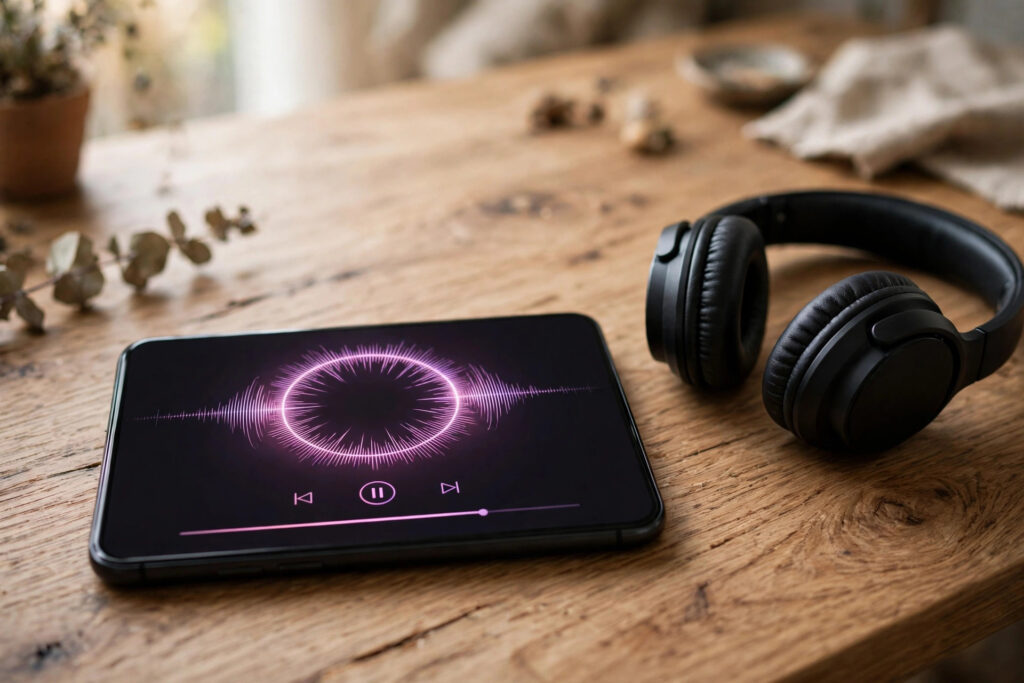

Have you ever scrolled past a Reel, loved the sound, and wished you could keep it? Maybe it was a voiceover that explained something perfectly, an original song from an independent artist, or a trending sound you wanted to use in your own video later. An instagram audio download sounds simple, but the right method depends entirely on whose audio it is and what you plan to do with it.
That distinction matters more than the technical steps. Downloading audio you created yourself, or audio a creator has given you permission to use, is straightforward. Downloading someone else’s copyrighted music or voiceover to repost as your own is a different matter, and it can get your content removed or your account restricted. This guide walks through the safe, legitimate methods first, then the practical steps, so you end up with usable audio without putting your account at risk.
One rule runs through everything below: only download audio you own or have permission to use, and always respect the creator’s rights. When in doubt, ask the creator, use Instagram’s own licensed music library, or choose a royalty-free track instead.
Start With What Instagram Already Lets You Do
Before reaching for any outside tool, use the features Instagram already provides, because they are the safest options and they never put your login at risk.
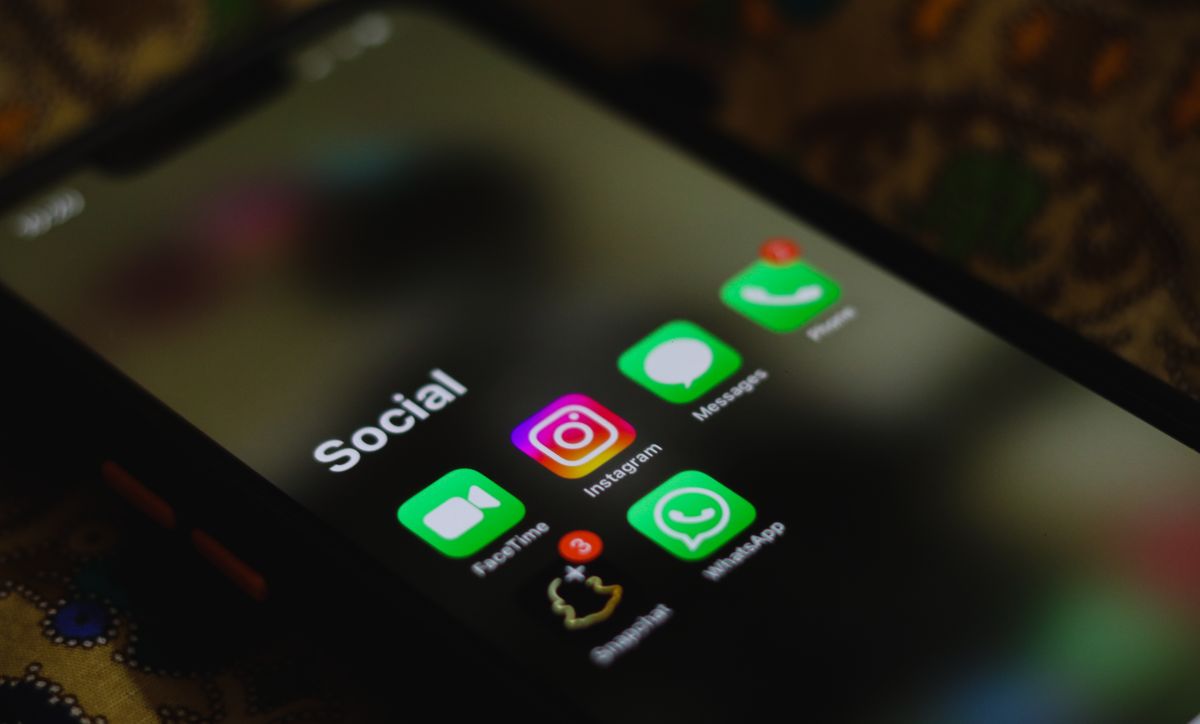
First, you can save a Reel inside the app. Tap the bookmark icon on a Reel and it goes to your Saved collection. That does not give you an audio file, but it does mean you can find the sound again in seconds, and from a saved Reel you can tap the audio name at the bottom to see other Reels using the same sound. For many people, this is all they actually needed: a way back to a sound they liked.
Second, if it is your own Reel, Instagram lets you download it. Open your Reel, use the share or download option, and the video saves to your phone, usually with its audio included. This is the cleanest way to keep a copy of your own voiceover, your own performance, or a track you recorded yourself. It is also the method to use when you want to repost your own content elsewhere, since the audio is yours.
Third, when you create a new Reel, you can browse Instagram’s music library and add a licensed track directly in the app. That track is cleared for use inside Instagram, which removes the whole question of permission for that platform. If you later want the same sound outside Instagram, though, the in-app licence does not automatically travel with it, so check the terms or pick a separately licensed track for off-platform use.

Know What You Are Allowed to Download
Audio on Instagram falls into a few clear groups, and each one has a different answer.
Your own audio is the easy case. If you recorded the voice, played the instrument, or produced the track, you can download and reuse it freely. The same applies to audio a creator has explicitly shared for reuse, for example a sound marked as free to use, or a track sent to you with written permission.
Licensed library music is the next group. Instagram’s music library, and stock music libraries you subscribe to or buy from, give you permission under their own terms. Read those terms: some licences cover social posts only, some cover commercial use, and some expire. Keep a note of where each track came from so you can prove the licence if a post is ever flagged.
Other people’s commercial music and original voiceovers are the group to leave alone. A song playing in someone else’s Reel is not free to take just because you can hear it, and a creator’s voiceover is their work even if it is short. Downloading it to re-upload, remix into your own content, or use in an advert without permission can lead to takedowns and, repeated often enough, account penalties. If you love a track, the respectful route is to find it on a music service, buy or licence it, or message the creator and ask.
Step by Step: Saving Audio You Have the Right to Use
Here is a practical workflow that covers the common legitimate cases, in the order you should try them.
Step 1: Identify the audio and its owner. Tap the audio title on the Reel to see who created it or which track it is. If the owner is you, or the track is from a library you hold a licence for, proceed. If the owner is someone else and you have no permission, stop here and find a licensed alternative.
Step 2: Save your own Reel from within Instagram. Open the Reel from your profile, choose the download option, and check the saved video on your phone. Play it back with sound on to confirm the audio came with it. If the Reel used a licensed commercial track, Instagram may mute or strip that track on download, which is a sign the track was never yours to take elsewhere.
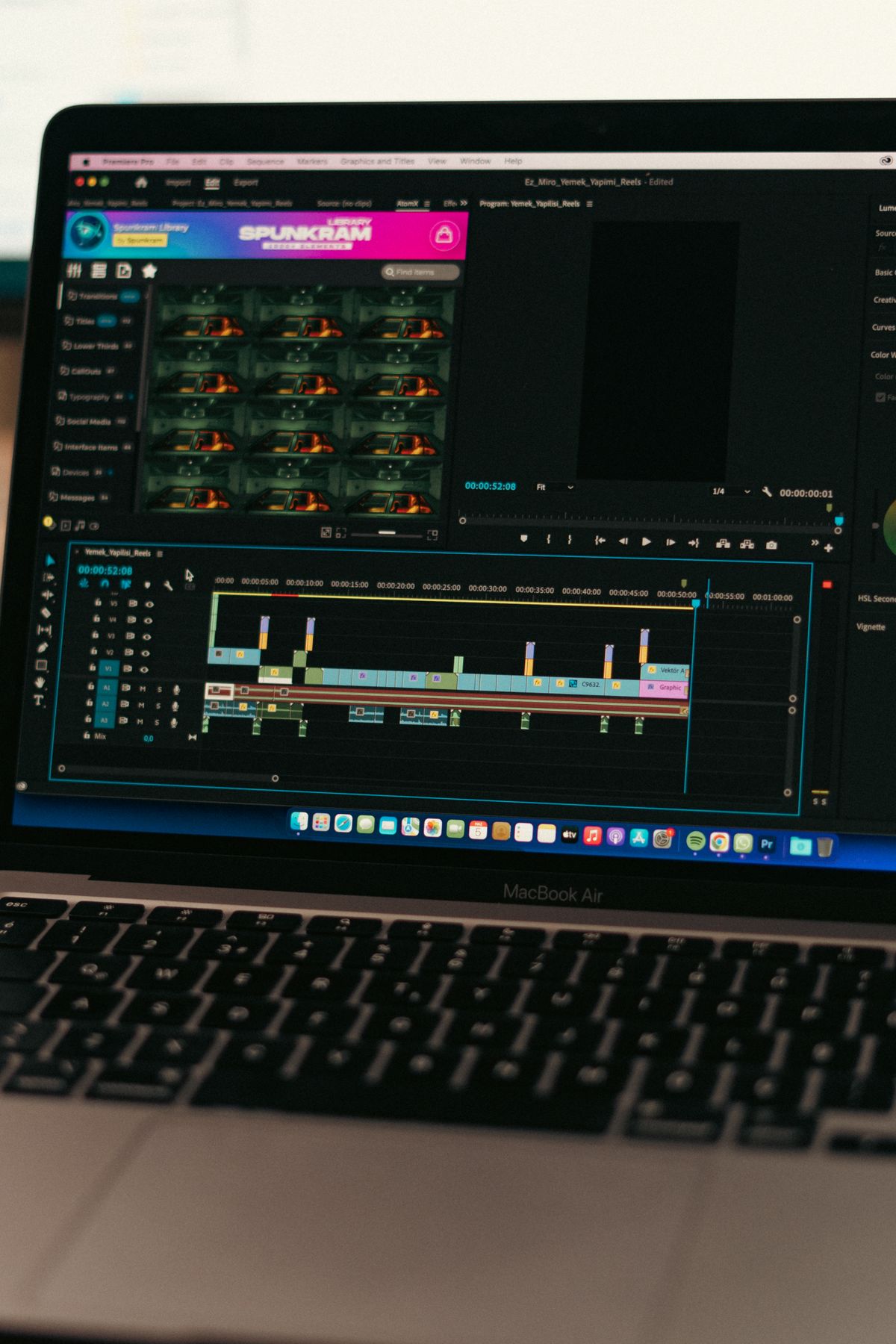
Step 3: Extract the audio for editing, if you need to. If you only need the sound, open the saved video in a video editor on your phone or computer and export the audio track, or use the editor’s “detach audio” feature. Free editors built into most phones can do this, and desktop editors give you more control over trimming and volume. Keep the original video as your backup.
Step 4: Trim, name and organise the file. Cut silence from the start and end, give the file a clear name that includes the source and the licence, and store it in a folder for sounds you are cleared to use. A small habit here saves real trouble later: when a platform asks where a sound came from, you will have the answer.
Step 5: Check the sound before you publish. Listen to the finished video on a phone speaker and with headphones. Check that the audio starts cleanly, that it does not overpower speech, and that nothing muted or distorted in the export. This five-minute check catches most problems before your audience does.
Other Legitimate Ways to Get the Same Sound
Sometimes the direct route is blocked, but a legitimate alternative gets you the same result. If a Reel uses a commercial song you like, search for that song on a music streaming service or a licensed stock library and use the version you are entitled to. If a creator made an original sound, ask them whether they sell or share it, or whether they would collaborate. Many small creators are happy to licence a sound or record a custom version, and that conversation can turn into a collaboration rather than a copyright problem.
Another option is to recreate the feel rather than copy the file. A similar tempo, a similar instrument, or a similar mood from a royalty-free library often works just as well in a Reel, and it keeps your content fully yours. Audiences respond to the energy of a sound more than to the exact recording, so a close, legal match usually performs fine.
Finally, consider recording your own version. A short voiceover recorded in a quiet room, or a simple loop made in a free music app, gives you a signature sound nobody else is using. Original audio is also more likely to be picked up by other creators, which is how many trending sounds start in the first place.
Methods to Avoid
A large number of websites and apps promise to download any Instagram audio in one click. Many of them work, technically, but they come with problems that the one-click promise leaves out. Some are loaded with aggressive adverts and pop-ups that try to install unrelated software. Some ask you to log in with your Instagram account, which hands your credentials to a service Instagram has never approved. Some quietly collect the links you paste, building a picture of what you watch and save.
There is also an account-safety angle. Tools that log in as you, or that automate actions on your account, can look like bot behaviour to Instagram’s systems. Our guide to what actually gets accounts banned explains the patterns that trigger restrictions, and unauthorised third-party access is high on that list. A single downloaded sound is rarely worth a warning on an account you have spent months or years building.
If you do use an outside tool for audio you have rights to, keep it to tools that work by pasting a public link, never ask for your password, and do not require you to install anything unexpected. Even then, treat it as a last resort, not a daily habit, and scan anything you download before opening it.
Troubleshooting Common Problems
The downloaded video has no sound. This usually means the Reel used a licensed commercial track that Instagram strips on download, or the original Reel itself was muted. The fix is to licence the track separately or pick a royalty-free alternative, not to hunt for a tool that bypasses the mute.
The audio is quiet or distorted. Check whether the problem is in the original Reel by playing it in the app first. If the original sounds fine, the issue is in your export settings: export at a higher audio quality and avoid re-compressing the file several times, since each round of compression loses detail.
You cannot find the sound again. Saved Reels and audio pages are your friends here. Save the Reel the moment you hear a sound you like, and note the creator’s name somewhere you will actually look. Searching from memory weeks later rarely works.
A post using the sound was muted or removed. That is usually a copyright match. Replace the track with one you hold rights to, appeal only if you genuinely hold the licence, and keep the licence record handy for next time.
Choosing a Safe Approach in Practice
The safest approach is also the simplest: use Instagram’s own save and download features for your own content, use licensed music for everything else, and save sounds inside the app when you only need to find them again. That covers almost every genuine need, from keeping a copy of your own voiceover to building a library of sounds for future Reels.
When you do need a tool, judge it the way you would judge any growth or helper tool: check who runs it, whether it asks for your login, what other users say about it, and whether it respects the platform’s rules. A tool that is transparent about its limits is almost always safer than one that promises to download anything, instantly, with no restrictions.
It also helps to think about cost in terms of what you are actually paying for. Free tools often pay their bills with adverts, data collection, or upsells, while paid tools usually fund support and maintenance from subscriptions. Neither model is automatically good or bad; the question is whether the trade is clear and acceptable to you. If a free tool’s price is your Instagram password or a bundle of unwanted software, it is not free.
Frequently Asked Questions
Can I download audio from someone else’s Instagram Reel?
Only if you have the right to use it: your own audio, audio shared with permission, or a track you have licensed. Instagram does not provide a download button for other people’s audio, and taking copyrighted music or voiceovers without permission can lead to muted posts, takedowns, or account restrictions.
Why does my downloaded Reel have no music?
Instagram often strips licensed commercial tracks when you download a Reel, because the licence covers playback inside Instagram rather than reuse elsewhere. Use a separately licensed version of the track if you need it outside the app.
Is saving a Reel the same as downloading its audio?
No. Saving bookmarks the Reel inside Instagram so you can find it again, but it does not give you an audio file on your phone. To get an audio file, you need a copy of a video you have rights to, and then you can separate its audio in an editor.
Can I use a trending sound in my own Reel?
Yes, in most cases you can use a trending sound inside Instagram by selecting it from the audio library or from the Reel’s audio page when you create your Reel. That is different from downloading the audio file and reusing it elsewhere, which needs its own permission.
What should I do if a creator will not give permission?
Respect that answer and find an alternative: a licensed track with a similar feel, a royalty-free sound, or your own recording. Creators own their work, and a polite no is final.
Conclusion
An Instagram audio download is easy when the audio is yours or properly licensed, and it should stay that way. Start with Instagram’s own tools, keep a clear record of where each sound came from, and treat other creators’ work the way you would want your own treated. That approach gives you a usable library of sounds, keeps your account safe, and means every Reel you publish is built on audio you can stand behind.