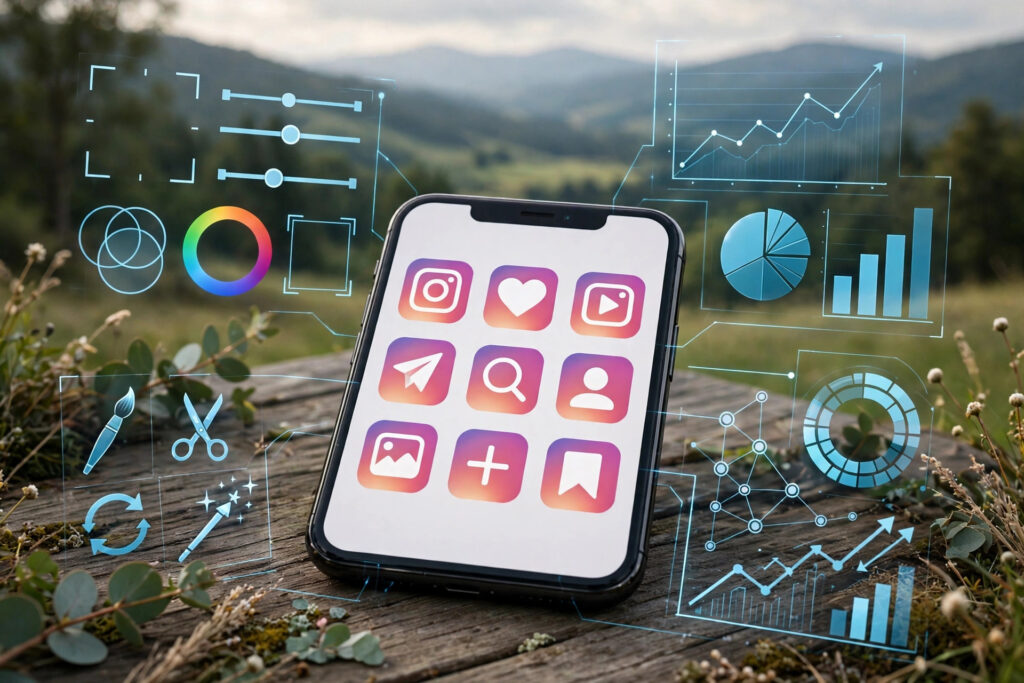

Search for ig apps and you will meet a crowded marketplace: editors that promise better photos, schedulers that promise consistent posting, analytics tools that promise to explain your audience, and growth tools that promise faster follower numbers. Some of these apps genuinely help creators work better. Others exist mainly to collect logins, sell aggressive advertising, or automate behaviour that Instagram actively discourages. Telling the two groups apart is the skill this guide teaches.
The term IG apps is simply shorthand for Instagram helper apps: third-party tools, websites, and mobile apps that work alongside Instagram to help you create, plan, publish, or understand content. They are not part of Instagram itself, and Instagram does not endorse most of them. That distinction matters, because an app that looks official, uses Instagram-like colours, or claims to be approved may have no relationship with Instagram at all.
This guide walks through the main types of IG apps in general terms, explains how to vet any app before you trust it with your account or your device, compares free and paid tools honestly, and sets out the account-safety rules that keep a helpful tool from becoming a problem. The aim is not to recommend a single app, since the right choice depends on your needs and the market changes quickly, but to give you a framework you can apply to any app you meet.
What IG Apps Actually Do
At their simplest, IG apps extend what you can do around Instagram content. An editing app helps you prepare a photo or video before you post it. A scheduling app helps you plan posts in advance and keep a consistent rhythm. An analytics app summarises how your content is performing and who is engaging with it. A growth tool claims to help you reach more people, though that category needs the most careful scrutiny, as explained below.
It helps to separate apps that work on your content from apps that act on your account. An editor that works on a photo stored on your phone does not need your Instagram login at all, and that separation is a good sign. An app that posts, follows, likes, or messages on your behalf needs account access to do so, which creates a much larger trust question. The more an app can do in your name, the more carefully you should vet it.
Another useful distinction is between apps that work with content you already own and apps that promise to unlock content or features you do not have. The first kind is usually straightforward: it edits, schedules, or analyses something that is already yours. The second kind should raise a question, because Instagram’s own features and limits exist for a reason, and a tool that claims to bypass them is often doing something Instagram’s rules prohibit.
The Main Types of IG Apps
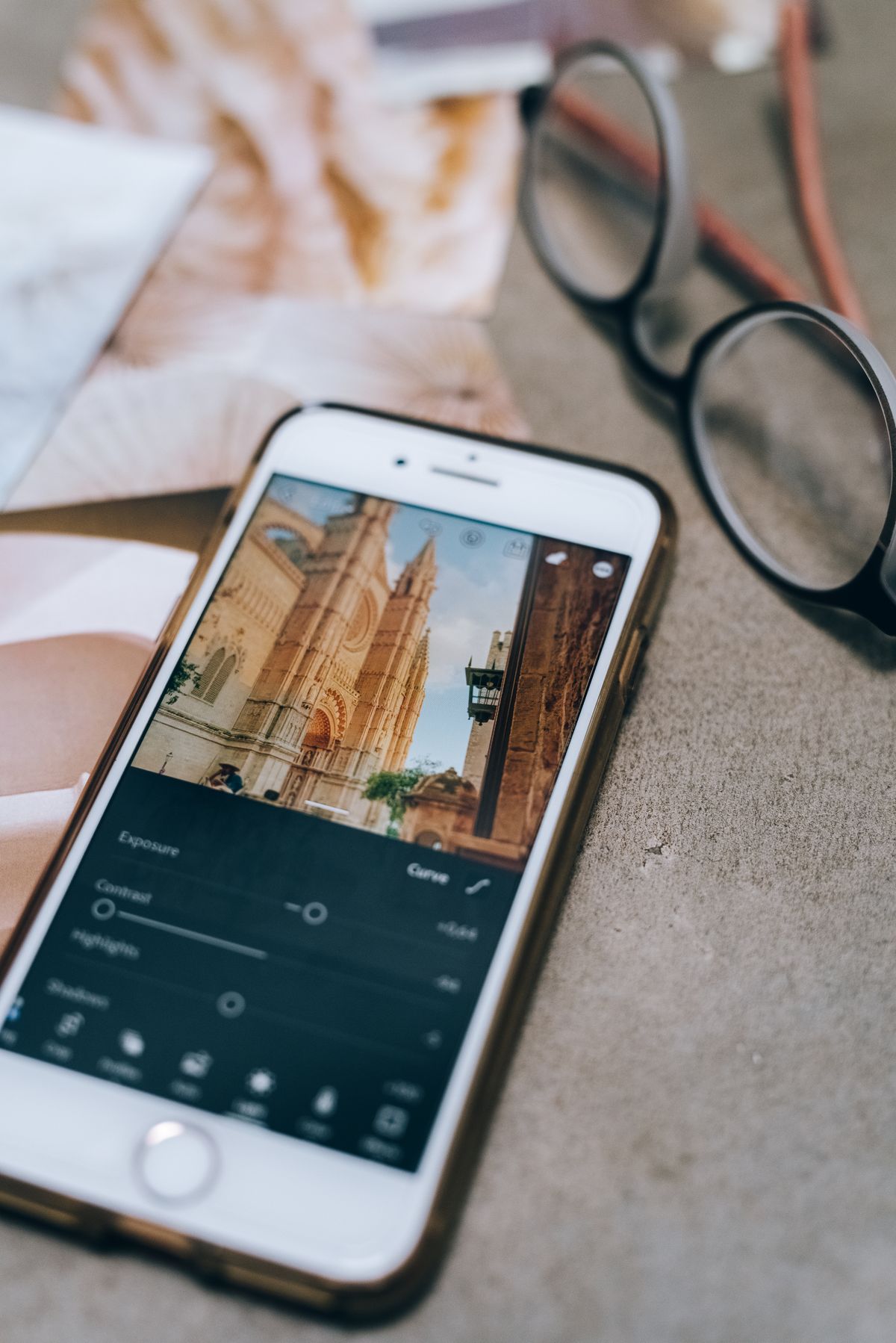
Editing apps are the most familiar type. They offer filters, cropping, text overlays, trimming for video, and adjustments to brightness, colour, and sound. Good editors are judged by output quality: whether the exported photo or video still looks clean after editing, whether the app preserves detail, and whether it exports in a format Instagram accepts without further conversion. An editor that degrades quality, adds a watermark you cannot remove, or forces you through intrusive adverts before every export is costing you more than it saves.
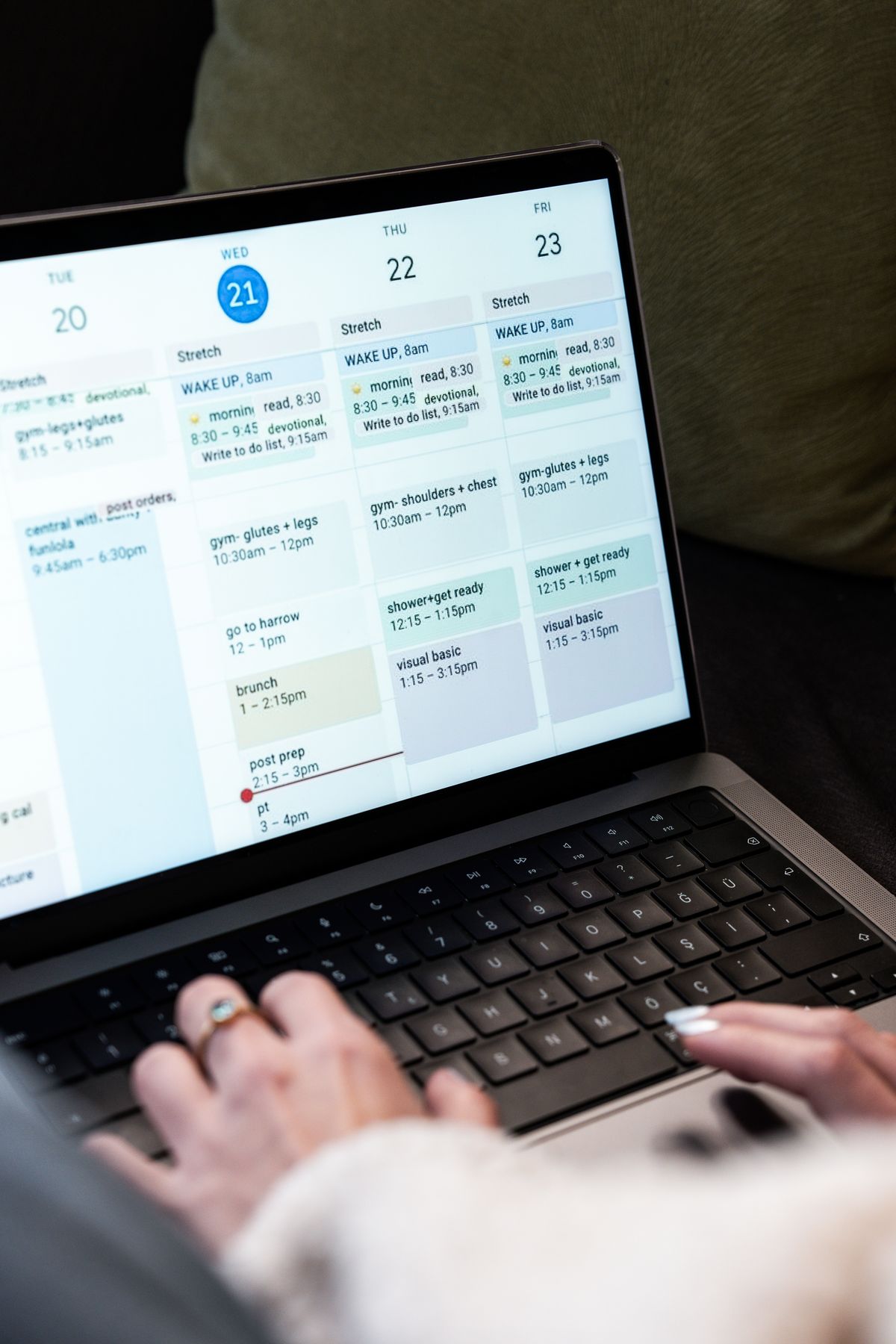
Scheduling and planning apps help you organise content in advance. They typically offer a calendar view, a draft library, caption drafting, and reminders to post. Some scheduling tools publish directly, while others simply remind you to post manually at the planned time. The reminder model is often the safer and simpler choice for individual creators, because it keeps posting in your own hands and avoids giving a third party ongoing access to publish on your account.
Analytics apps summarise performance: which posts received engagement, when your audience is active, and how your reach changes over time. Instagram itself provides analytics for business and creator accounts, and for many creators that built-in view is enough. A third-party analytics app is only worth considering if it clearly adds something you cannot get from Instagram’s own insights, and if it does so without demanding more access than the analysis requires.
Growth tools are the category to treat with the most caution. Some growth tools are legitimate in the broad sense: they help you plan content, understand trends, or manage engagement manually. Others automate following, unfollowing, liking, commenting, or messaging at scale, or promise rapid follower increases. Automated, inauthentic activity is the kind of behaviour Instagram’s systems are designed to detect, and tools that offer it put your account at risk even when they appear to work in the short term. Growth that comes from better content and consistent posting is slower, but it does not carry that risk.
There are also narrower helper types worth knowing about: caption and hashtag helpers that suggest wording or organise saved sets, link-in-bio tools that turn a single profile link into a small landing page, and archiving tools that help you back up your own content. Each of these is judged by the same test as the larger categories: does it do a clear job, does it ask only for the access that job needs, and is it run by someone identifiable?
How to Vet an App Before You Trust It
A short vetting routine will filter out most bad IG apps before they touch your account or your device. The routine takes a little time, but it is far cheaper than recovering a compromised account or cleaning unwanted software from a phone.
Start with the login question. Never share your Instagram password with a third-party app. Instagram’s own login should happen on Instagram’s own site or app, never inside an unfamiliar app’s login screen. A legitimate helper app works without your password, or uses an official connection method that does not expose your credentials to the app itself. If an app asks you to type your Instagram password into its own form, that is a reason to stop, not a hoop to jump through. The same rule is set out in detail in Instagram Audio Downloader: What It Is, How to Choose One, and How to Use It Safely, and it applies to IG apps exactly as it applies to audio tools: a helper has no legitimate need for your password.
Check the permissions. Before installing, read what the app wants to access on your phone. An editor needs storage access to open and save photos. A scheduler needs calendar or notification access to remind you. An app that asks for contacts, messages, call history, or broad device administration for a job that does not need those things is asking for more trust than it has earned. On a website tool, the equivalent check is what it asks you to connect or authorise: the narrower the permission, the safer the tool.
Use official app stores. Download mobile apps from the official store for your device, where listings show a developer name, reviews, update history, and permission details. Apps offered only as direct downloads from unfamiliar websites bypass those checks, and they are a common route for unwanted software. A polished website is not a substitute for a store listing with a real developer behind it.
Read reviews with scepticism. Look for patterns rather than individual ratings. A run of recent reviews reporting the same problem, such as unexpected charges, intrusive adverts, or account warnings after use, is a meaningful signal. A flood of generic five-star reviews with no detail, posted in a short period, is a weaker signal than a smaller number of detailed, credible reports. Also search the app’s name alongside terms like scam, malware, or banned, and see whether a consistent story emerges.
Check who runs it and how it makes money. A real developer name, a working website, a contact route, and a privacy policy you can read are basic signs of accountability. The privacy policy should say, in terms you can understand, what data the app collects and whether it shares that data. An anonymous app with no contact details and no privacy policy cannot be held to account if something goes wrong, and that alone is a reason to choose an alternative.
Test with something unimportant first. Try a new app on a throwaway photo or a draft post, not on your best content or your main account activity. Check the output quality, watch for unexpected permission requests or downloads, and see whether the app behaves as described. If the test run feels wrong, delete the app and move on. A good app will pass a small test without drama.
Free vs Paid: What You Are Actually Paying For
IG apps are usually free with advertising, free with limited features, subscription-based, or bundled into a larger creative toolkit. None of these models is automatically good or bad; what matters is whether the trade is clear and acceptable to you. A free app that is upfront about its adverts and its limits is often a better choice than a paid app that hides its real price behind confusing tiers.
Free apps typically fund themselves through advertising, through a limited free tier that encourages an upgrade, or through data collection. Advertising is fine when it is clearly marked and does not interfere with the work, and less fine when the app is designed to make you tap the wrong button. Data collection is the hidden price to watch: if a free app collects more information than its job requires, or shares data with unnamed partners, its real cost may be your privacy rather than your money.
Paid apps and subscriptions usually fund support, maintenance, and continued updates from the subscription itself, which tends to produce a cleaner experience and a developer with an incentive to keep the app working. Before paying, check what the subscription actually unlocks: higher export quality, removal of watermarks, more scheduled posts, or additional analytics. If the paid tier only removes adverts and adds nothing you need, the free tier may be enough.
A few pricing traps are worth naming. One is the free trial that converts silently into a recurring subscription if you forget to cancel; set a reminder the moment you start a trial. Another is the app that charges per action, such as per download or per post, which can become expensive for regular use in a way a flat subscription would not. A third is the lifetime deal from an unknown developer, which may simply mean the app stops being updated. In each case, the question is the same: what exactly do you get, for how long, and what happens when you stop paying?
For most individual creators, the sensible spending order is to invest first in the tools that improve every post, such as a good editor, and only then in conveniences like scheduling or advanced analytics. A scheduling app cannot rescue weak content, and an analytics app cannot explain an audience you have not yet built. Spend on the work itself first, and add helpers as your needs become specific.
Account-Safety Rules That Apply to Every IG App
Account safety is not a separate topic from choosing apps; it is the reason choosing carefully matters. Instagram’s systems watch for patterns that look automated or inauthentic, such as rapid bursts of follows, likes, comments, or messages, logins from unusual places, and third-party access that behaves unlike a normal user. An app that creates those patterns on your behalf can trigger warnings or restrictions even if you never intended to break a rule.
The first rule is the one already stated, and it bears repeating because it prevents the largest single risk: never give a third-party app your Instagram password. If an app cannot work without your password, it is not a tool you need. Use Instagram’s own login, and be wary of any screen that imitates it.
The second rule is to keep automation small and human-paced. If you use a helper for planning or drafting, keep the actual posting, following, and commenting in your own hands, at a pace a real person would manage. A tool that promises to do hundreds of actions while you sleep is describing the exact pattern Instagram looks for.
The third rule is to limit ongoing access. Review the apps and websites connected to your Instagram account from time to time, and remove anything you no longer use. An app you installed for one project last year should not still hold access today. The same tidy-up habit applies to your phone: delete apps you no longer need, rather than leaving them installed with permissions intact.
The fourth rule is to start with what Instagram already provides. Before adding any outside app, check whether Instagram’s own features cover the job. That principle runs through Instagram Audio Download: How to Download and Save Audio From Instagram, which recommends Instagram’s own save and download options for your own content before any third-party tool, and it applies just as well here: built-in editing, insights, and saved collections cover a surprising amount of everyday work without any third party at all.
The fifth rule is to protect your device as well as your account. Scan downloads, keep your phone’s operating system and apps updated, and treat any unexpected installer, browser change, or new toolbar as a reason to stop and remove the app that caused it. An app can harm your device even if your Instagram account is untouched, so device safety and account safety are two halves of the same habit.
Choosing the Right Combination for Your Needs
Most creators need only a small set of helpers, and adding more apps usually adds more risk and clutter rather than more benefit. A sensible starting combination is one good editor, one planning method (which may be a simple calendar rather than an app at all), and Instagram’s own insights. Add a further tool only when a specific, repeated problem appears that this combination cannot solve, and judge that tool by the vetting routine above.
Think about your workflow in terms of stages: create, plan, publish, and review. An app that helps at one stage without interfering with the others is a good fit. An app that tries to own every stage, demands broad access to do so, and locks your content or your schedule inside its own system is a riskier proposition, because leaving it later becomes difficult. Prefer tools that let you export your work and your data in standard formats.
It is also worth matching the tool to the size of your operation. A solo creator posting a few times a week has different needs from a small business managing several accounts or a team collaborating on content. Team features, approval workflows, and multi-account support matter for the second group and are unnecessary complexity for the first. Paying for team features you will never use is a common waste, as is using a solo tool for a team job and improvising access-sharing that puts accounts at risk.
Finally, revisit your choices regularly. Apps change ownership, change their privacy terms, add features, or stop being updated, and an app that was a good choice last year may not be one today. A brief review every few months, checking permissions, reviews, and whether you still use each app, keeps your toolkit lean and your account safer than any single vetting check can.
Red Flags: When to Walk Away
- It asks for your Instagram password. No helper app needs it, and handing it over risks both compromise and account restrictions.
- It promises rapid follower growth or guaranteed reach. Genuine growth comes from content and consistency, not from a tool that can guarantee numbers.
- It automates follows, likes, comments, or messages at scale. That pattern is what Instagram’s systems detect, and it is the fastest route to a warning.
- It claims to show private information, such as who viewed your profile or private content. Legitimate tools cannot provide what Instagram does not expose, and such claims are a sign of deception.
- It is only available as a direct download from an unfamiliar site. Official stores provide developer, review, and permission checks that a direct download bypasses.
- It has no identifiable developer, contact route, or privacy policy. Anonymous tools cannot be held to account when something goes wrong.
- It installs extra software or changes your browser without asking. A helper should do one job, not bundle unrelated software with it.
- Its reviews show a pattern of account warnings after use. One complaint may be an outlier, but a repeated pattern is a verdict.
Frequently Asked Questions
What are IG apps?
IG apps are third-party helper apps for Instagram, covering editing, scheduling, analytics, caption help, and growth tools in general terms. They work alongside Instagram rather than as part of it, and Instagram does not endorse most of them, so each one should be judged on its own merits before you trust it.
Should an IG app ever ask for my Instagram password?
No. A helper app has no legitimate need for your password, and any app that asks for it should be rejected. Use Instagram’s own login, and prefer tools that work on your content without account access, or that use an official connection method that does not expose your credentials.
Are free IG apps safe?
Some are, and some are not; price alone does not tell you. A free app from an identifiable developer, downloaded from an official store, with narrow permissions and clear advertising, can be perfectly safe. A free app that demands broad permissions, collects unexplained data, or asks for your password is not safe at any price.
Can an IG app get my Instagram account banned?
An app that logs in as you, automates actions at scale, or creates inauthentic activity patterns can trigger warnings or restrictions, because those are the patterns Instagram’s systems detect. Apps that only edit your photos or help you plan posts, without touching your account, do not carry that risk. Keeping automation small, human-paced, and in your own hands is the safest approach.
Conclusion
IG apps can genuinely help: a good editor improves every photo, a planning habit keeps posting consistent, and clear analytics help you understand what your audience responds to. The difference between a helpful app and a harmful one is rarely the feature list; it is the trust behind it. A trustworthy app asks for little, explains itself clearly, is run by someone identifiable, and leaves your account and your device alone except for the job you gave it.
Apply the same routine every time: start with Instagram’s own features, check permissions and the developer, use official stores, test with unimportant content, and keep ongoing access tidy. With that habit in place, you can use the IG apps that truly help your work, and walk away from the ones that would cost you far more than they save.